 Unreal AI
Quickstart
Instantly Generate an API Key with Unreal Console
The fastest way to get your Unreal API key—no code, no hassle.
Instantly Generate Your API Key
Getting started with Unreal is as easy as it gets. You can create a production-ready API key in seconds—no setup, no code, just a few clicks.
How to Generate an API Key
- Go to Unreal Console and sign in (wallet or email).
- Click on the API Keys tab in the sidebar.
- Hit Generate Key and optionally give it a name.
- Copy your new API key—this is the only time you'll see the full key!
- Paste it into your app or environment. You're ready to call the API.
⚡ Tip: You can generate, name, and revoke as many keys as you need for different projects or environments.
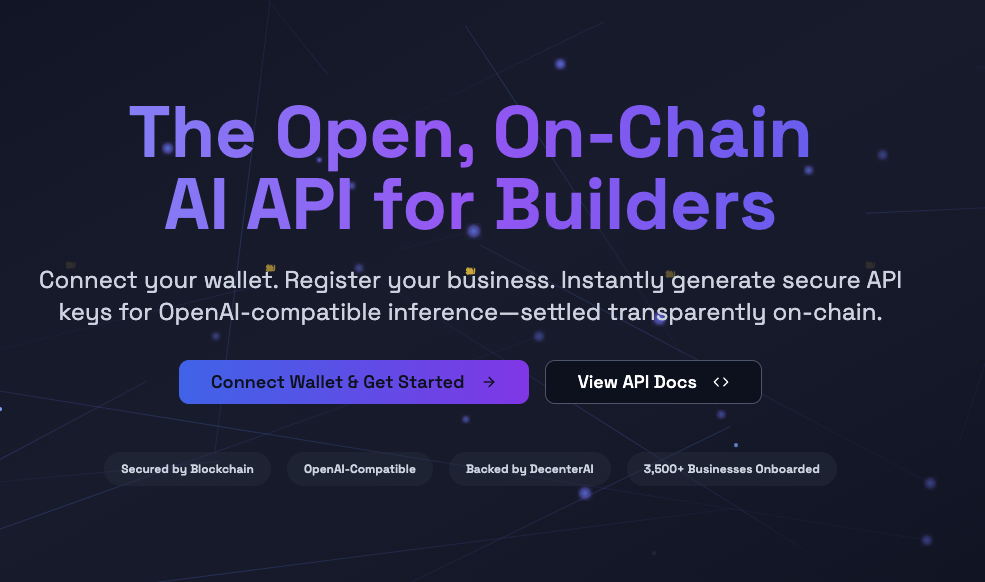
Unreal Console
Next Steps
- Use your API key in any API Example or Quickstart.
- Monitor usage and manage keys anytime in the Console.
Need help?
Join our community:
- Discord: Discord server
- Telegram: Telegram